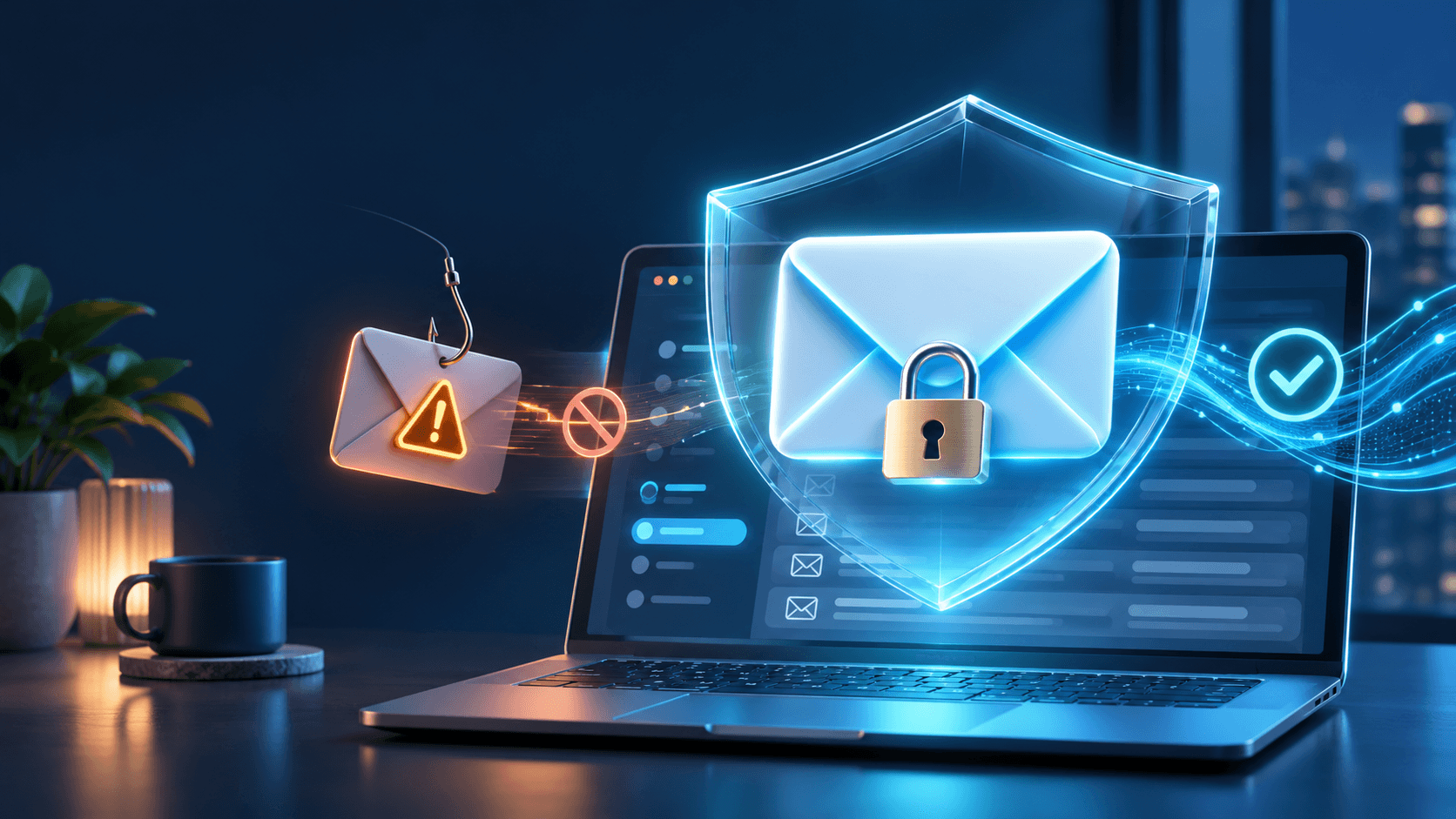
Email has become a vital communication tool in both personal and professional settings. However, its widespread use has also made it a prime target for cybercriminals. From phishing attacks to unauthorized access, threats to our email security can compromise sensitive information and lead to severe consequences. In this article, we will explore essential strategies to enhance your email security and safeguard your digital correspondence.
Understanding Email Security Risks
Before diving into the protective measures, it’s crucial to understand the common risks associated with email communications. Awareness of these threats is the first step toward adopting effective countermeasures.
- Phishing Attacks: Cybercriminals often use deceptive emails to trick users into providing personal information or clicking on malicious links. For example, an email that appears to be from your bank may request your login credentials. Such emails typically use scare tactics, like claiming that your account will be suspended if you don't act immediately.
- Account Compromise: Inadequately secured accounts can be hacked, allowing unauthorized access to sensitive information. If a hacker obtains your password — perhaps through a data breach of another service where you used the same password — they could easily access your email and any personal data contained within.
- Malware Attachments: Emails can carry harmful attachments that, when opened, will install malware on your device. For instance, a seemingly innocent PDF or Word document might contain a virus that could give hackers access to your computer.
- Data Interception: Lack of encryption can lead to emails being intercepted during transmission, exposing their contents to third parties. This is particularly concerning when using unsecured public Wi-Fi networks.
Implementing Strong Password Practices
The cornerstone of email security begins with creating a robust password. A strong password is your first line of defense against unauthorized access. Here are some detailed practices to follow:
- Use Complex Passwords: Combine uppercase letters, lowercase letters, numbers, and special characters. A password like "Y7b@9Lq!f$2m" is much stronger than "password123". Remember, the longer the password, the better.
- Change Password Regularly: Regularly updating your password reduces the risk of long-term unauthorized access. Aim to change your password every three to six months. Make it a habit to review your passwords and update them in line with this schedule.
- Unique Passwords for Each Account: Never use the same password across multiple accounts. If one account is compromised, others remain secure. Consider creating a unique passphrase for each service you use. For example, use phrases like "I love to travel in 2023!" for one account and alter it slightly for others.
- Password Managers: Consider using a password manager to generate and store complex passwords securely. These tools can create random passwords for you and remember them, so you don’t have to. Popular options include LastPass, 1Password, and Bitwarden.
Utilizing Two-Factor Authentication (2FA)
Two-factor authentication adds an extra layer of security by requiring not just a password but also a second form of identification. This can include a code sent to your mobile device or an authentication app. Here’s why you should implement 2FA:
When you enable 2FA, even if a cybercriminal manages to steal your password, they won’t be able to access your account without the second factor. This significantly lowers your risk of a data breach.
Here’s how to set it up on most email platforms:
- Go to your account settings.
- Locate the security section.
- Select the option for two-factor authentication and choose your preferred method for receiving the second factor (SMS, authentication app, etc.).
- For authentication apps, you can download apps like Google Authenticator or Authy. These apps generate a new code every 30 seconds.
- Follow the prompts to complete the setup. Be sure to store any backup codes provided in a secure location, as these can help you regain access if you lose your phone.
Recognizing and Avoiding Phishing Scams
Phishing scams are prevalent and can be sophisticated. However, there are ways to recognize and avoid falling victim to these deceptive practices. Understanding the tactics scammers use can help you protect yourself.
Here are some detailed tips to help you identify phishing emails:
- Check the Sender's Email Address: Look closely at the email address. Often, phishing emails originate from a slightly altered version of a legitimate address, like "[email protected]" vs. "[email protected]". Always verify if the email domain is accurate.
- Be Wary of Unsolicited Requests: Legitimate organizations rarely ask for sensitive information via email. If in doubt, contact the organization directly using a verified contact method. For instance, call the bank using the number from their official website rather than any number provided in the suspicious email.
- Look for Grammatical Errors: Many phishing emails contain spelling or grammatical mistakes, which can be a red flag. If an email looks unprofessional or poorly written, it’s a good idea to be cautious.
- Avoid Clicking Links: Instead of clicking links in emails, manually navigate to the organization's website by entering their URL into your browser. This way, you ensure you’re visiting a legitimate site.
Encrypting Your Emails
Encryption is one of the most effective ways to protect your emails from unauthorized access. When emails are encrypted, their contents can only be read by the intended recipient. Encryption ensures that no one can intercept and read the emails while in transit.
Here are two common methods for email encryption:
- Transport Layer Security (TLS): This protocol encrypts the connection between email servers, making it difficult for attackers to intercept emails during transmission. Ensure that your email service provider supports TLS by checking their security settings. You'll often see a lock icon in your browser's address bar when it’s active.
- End-to-End Encryption: This method encrypts emails on the sender's device and remains encrypted until it reaches the recipient's device. Services like ProtonMail or Tutanota offer this level of security. When both sender and recipient are using a secure service, the email is protected throughout its journey.
Regularly Updating Software and Devices
Keeping your software and devices up-to-date is crucial for email security. Software updates often include patches for vulnerabilities that cybercriminals exploit. Neglecting updates can leave your email accounts susceptible to attacks.
Consider the following best practices:
- Enable Automatic Updates: Allow your operating system and applications to update automatically to ensure you have the latest security measures in place. This includes your web browser, email client, and antivirus software.
- Regularly Scan for Malware: Use reputable antivirus software to perform regular scans of your devices, detecting and removing malware that could compromise your email security. Many antivirus programs offer free trials, making it easy to get started.
- Use Secure Networks: Avoid using public Wi-Fi networks when accessing sensitive email information. If necessary, use a virtual private network (VPN) to encrypt your internet connection. VPNs can shield your online activity from hackers, especially on unsecured networks.
Using Temporary Email Addresses
For those who prefer an extra level of anonymity or wish to avoid spam, using temporary email addresses can be an effective solution. Services like TempyMailBox allow users to generate disposable email addresses that can receive and self-destruct after a set time.
This approach is particularly helpful when signing up for online services, newsletters, or other platforms that require an email address but may lead to unwanted promotional emails. Here’s how to utilize a temporary email address:
- Visit a temporary email service like TempyMailBox.
- Generate a temporary email address. This is usually a simple click of a button, and you can create multiple addresses for different purposes.
- Use this email address to receive emails. Any correspondence sent to this address will appear in your TempyMailBox inbox.
- After the needed correspondence, allow the address to self-destruct or claim it permanently if necessary. Many services allow you to keep the address for future use or delete it as soon as it’s no longer needed.
Using temporary email addresses not only protects your primary email but also minimizes exposure to spam and potential phishing attempts. It’s a practical approach to maintain privacy when signing up for online services.
Conclusion
Email security is a critical component of protecting personal and professional information. By implementing strong password practices, utilizing two-factor authentication, recognizing phishing attempts, and considering email encryption and the use of temporary email addresses, you can significantly enhance your email security. Remember, staying informed and proactive is key to safeguarding your communication in an increasingly digital world. By taking these steps, you not only protect yourself but also contribute to a safer online community.